Azure Active Directory SSO Integration with Salesforce
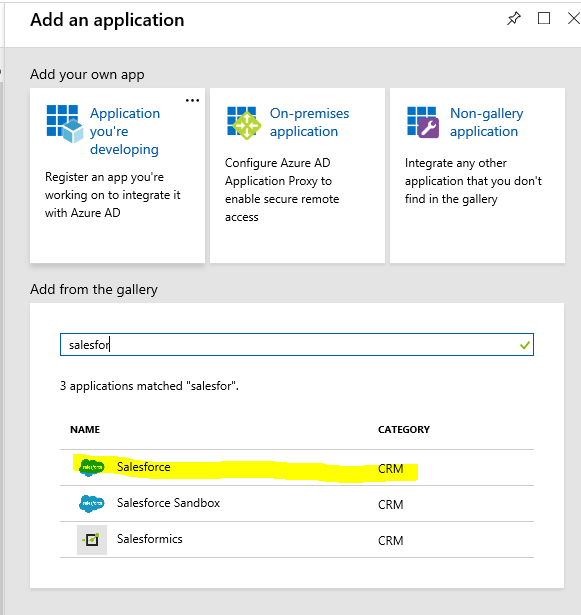
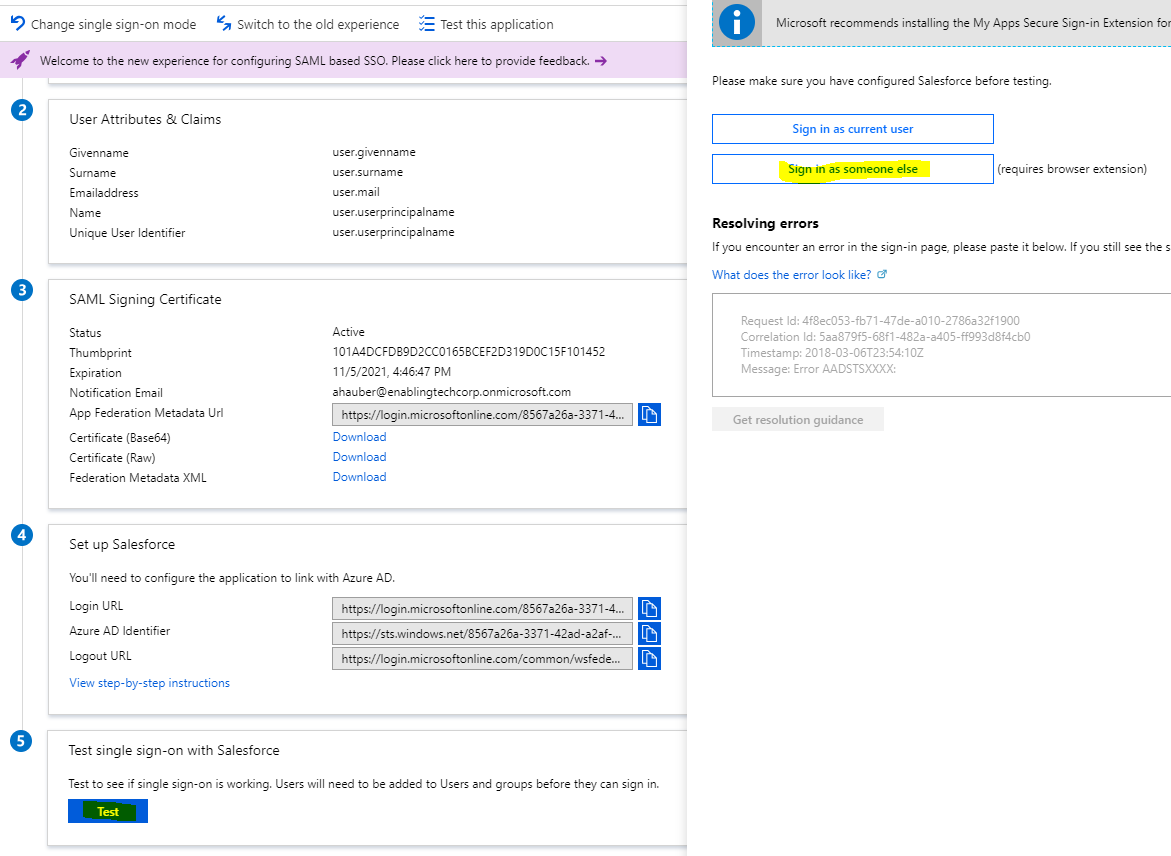
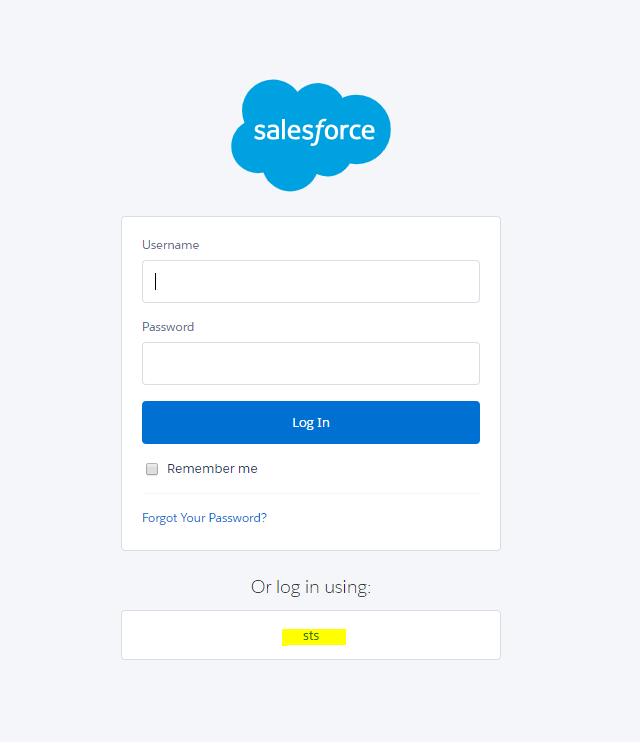
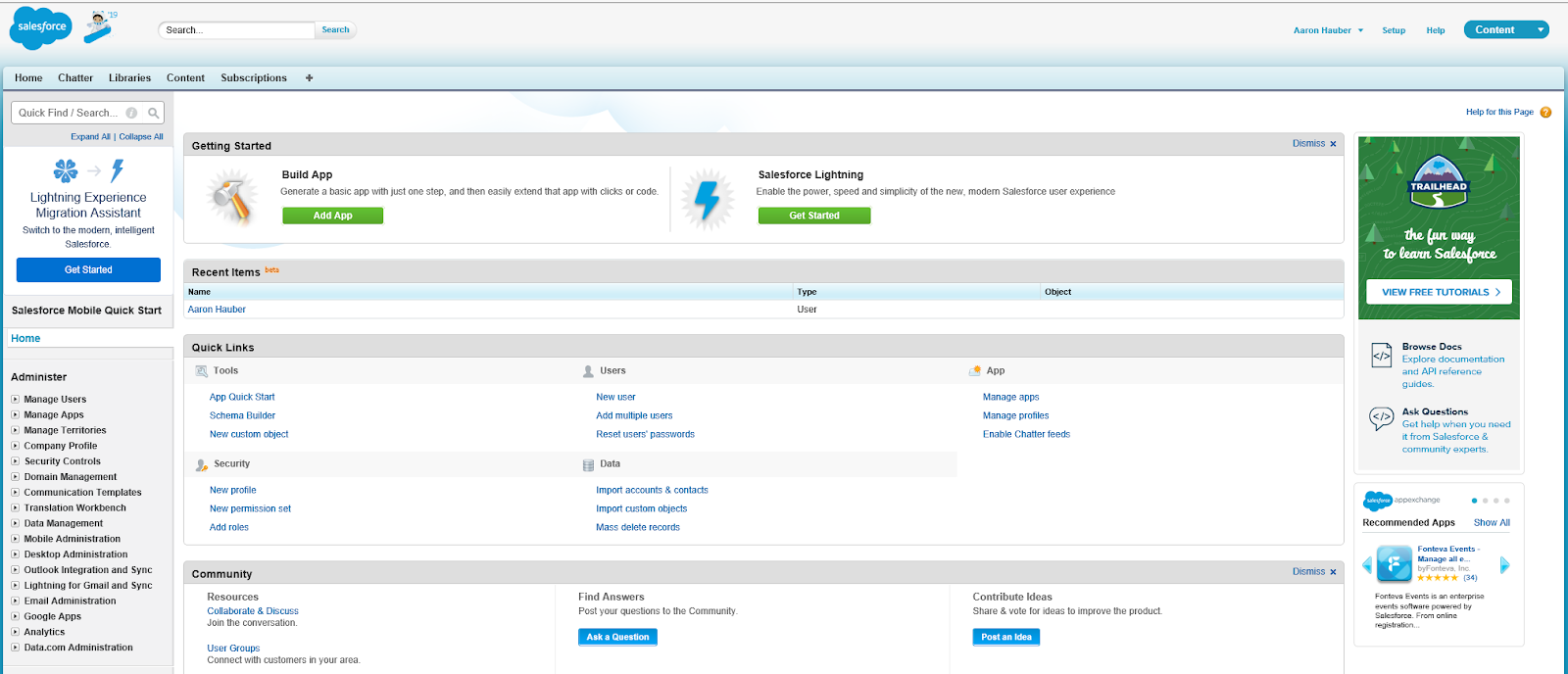
This article goes through the steps to integrate Microsoft Entra ID (formerly Azure AD) identity with Salesforce.com, enabling end users with SSO and IT better control of corporate identities. This article goes through the integration step by step, outlines the issues, and how to overcome them.
Work with our team of Cloud Computing Consultants who have done this so many times they know all of the “minefields” to prevent missteps.

We use cookies and similar tracking technologies to help our site function. You can opt out of such sharing anytime by clicking "Opt-out Preferences" at the bottom of the page.
Your Win Wires registration is complete. Request Microsoft access to open the customer documents.
Access may take a few minutes to activate.
After completing the Microsoft access request, there may be a short delay before you can open Win Wire files.
Use the same work email you registered with. Microsoft access is only requested once, unless it expires or is revoked.
Enter your name and work email to set up your Win Wires account.
Next, you’ll request access to the Win Wires documents through Microsoft. You’ll only need to complete registration once.
October 21, 2026 • Cloud, AI, and Security Virtual Workshop • 1–5 PM ET