AI-assisted investigation. Human-led response. Always-on Microsoft security visibility.
Get 24/7 monitoring, investigation, and response from eGroup security analysts, enhanced by SARA, the Security Analysis & Response Agent inside the ThreatDefender Portal. SARA organizes incident data into clear summaries, supporting evidence, investigation timelines, and security insights to help your team understand what happened and act faster.
ThreatDefender gives you enterprise-grade protection without the enterprise cost.
We use the Microsoft tools you already own, operate with US-based Tier 1–3 SOC analysts, and give you options: we can integrate with your existing workflows or fully manage your security stack.
Defender, Intune, Sentinel but they’re not operationalized, leaving gaps.
SOC staffing is expensive, hard to retain, and nearly impossible for lean teams.
Get faster outcomes, deeper insights, and 24×7 coverage for less.
In over 90% of ransomware incidents, unmanaged devices were the entry point. ThreatDefender extends your visibility to reduce risk before it spreads.
Microsoft Digital Defense Report 2024
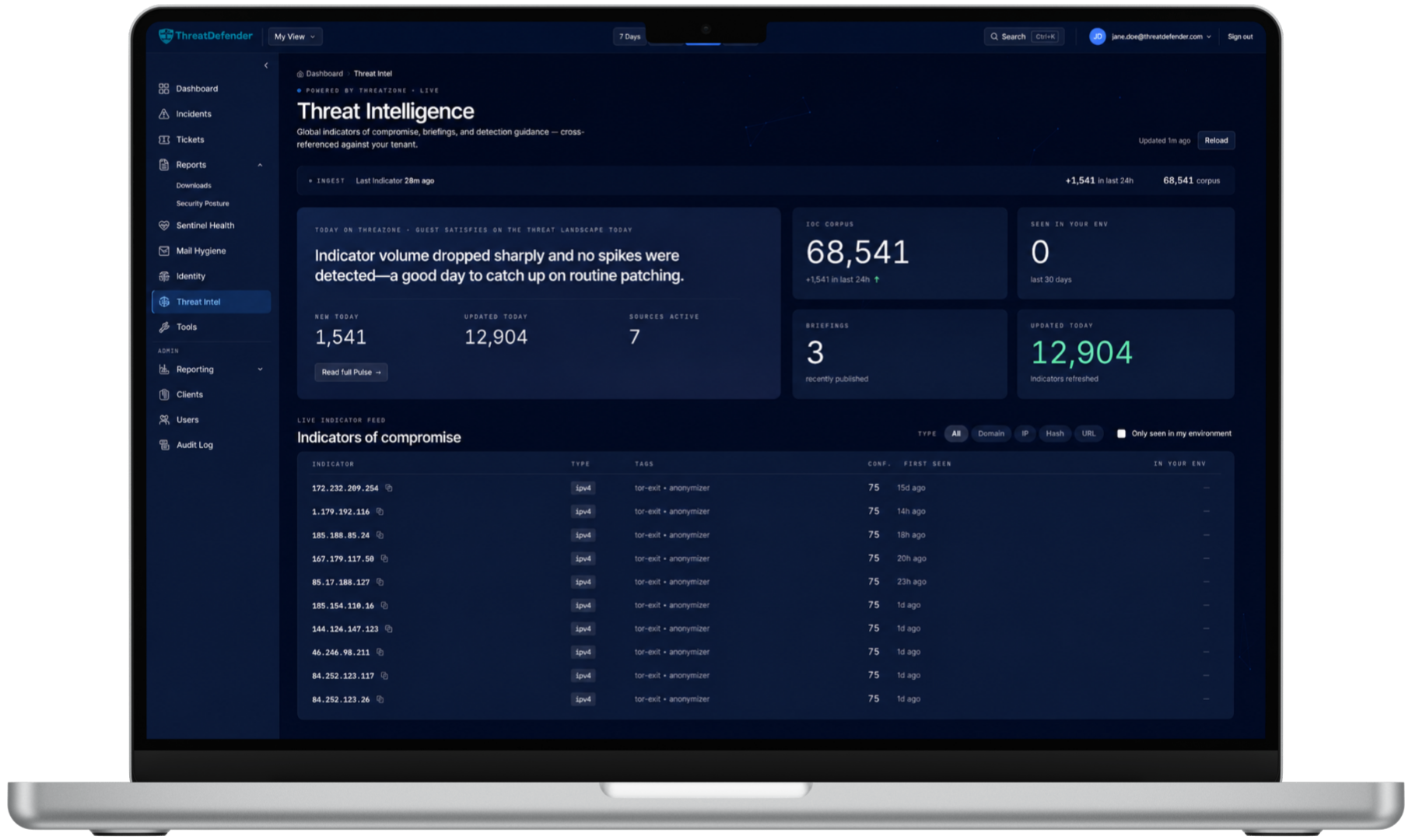
We configure and connect Microsoft Defender XDR, Sentinel, Entra ID, and supported third-party technologies to create unified security visibility.
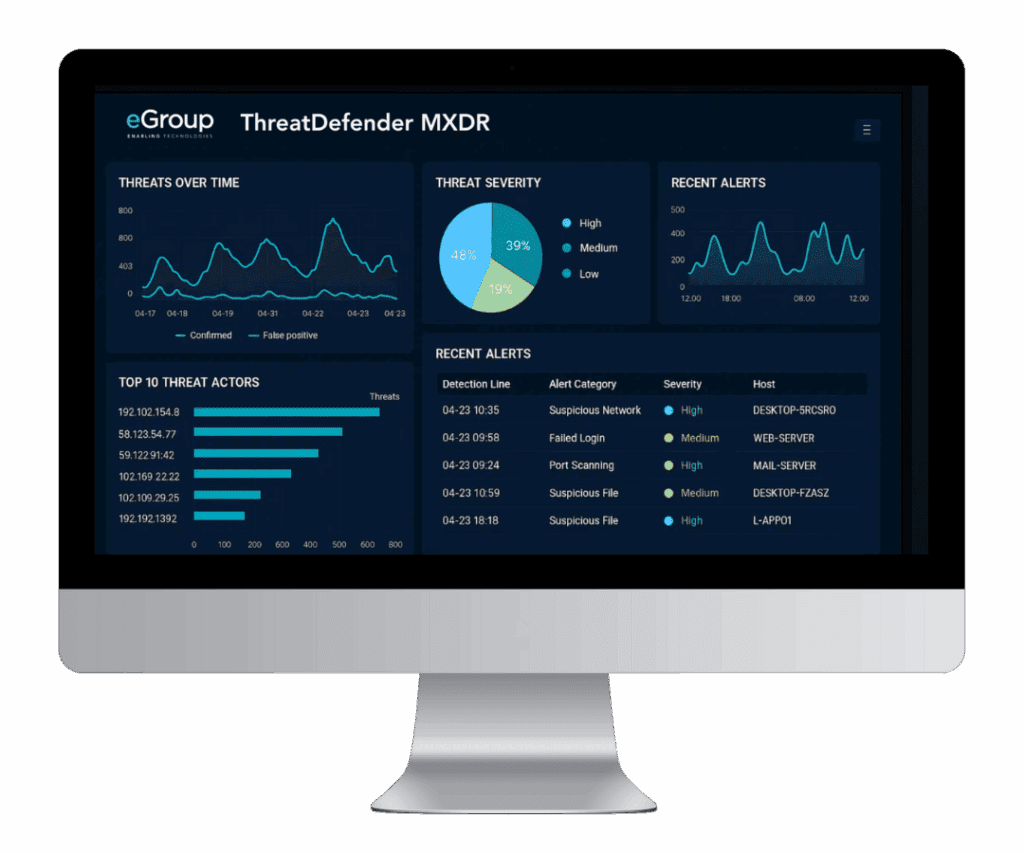
ThreatDefender analysts monitor your environment 24x7x365. SARA enriches incidents with structured summaries, affected entities, supporting evidence, and key findings so analysts can investigate faster.
eGroup analysts determine the appropriate response, guide or execute remediation, and document investigation activity from the initial alert through resolution.
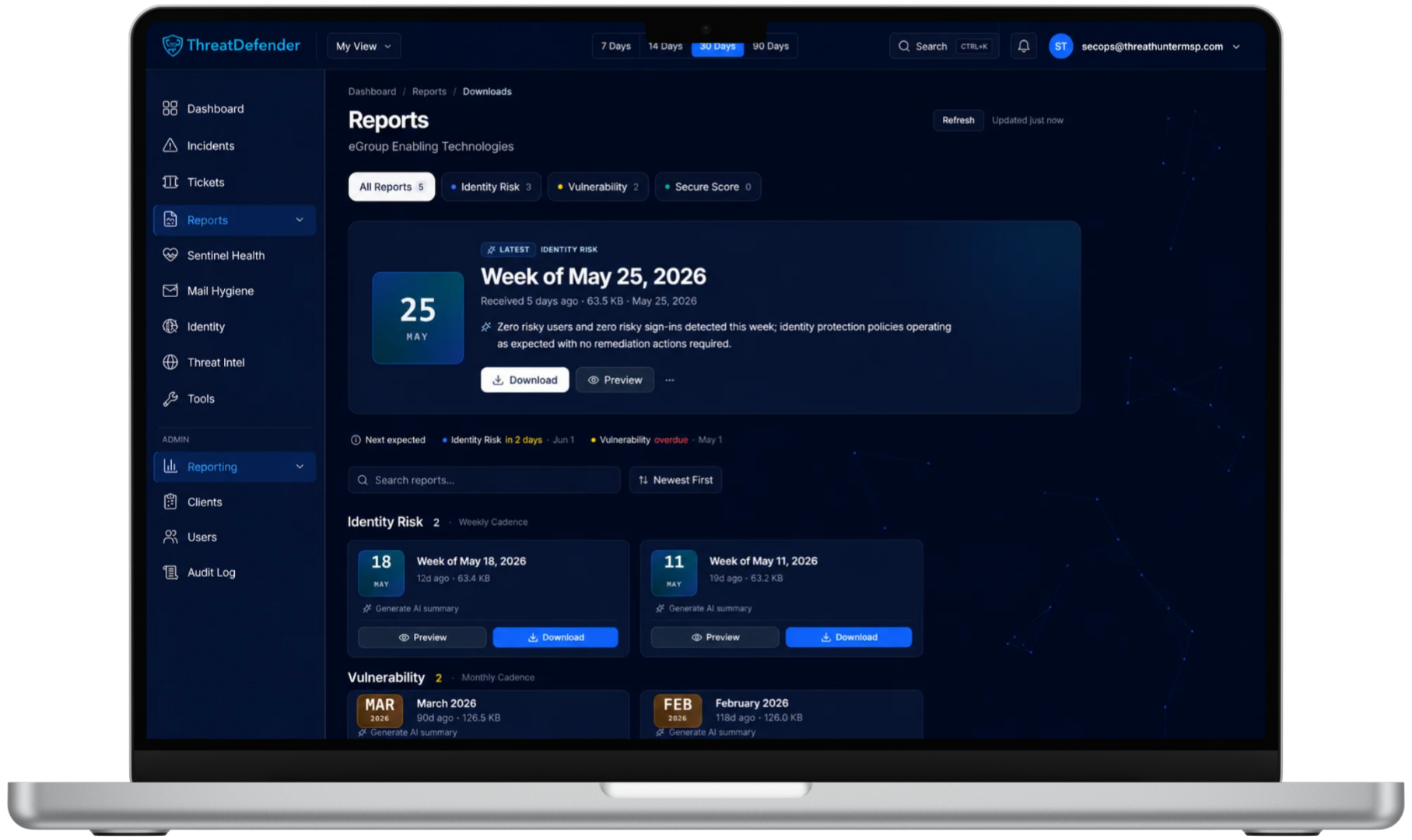
Analyst-reviewed reporting helps your team track identity risk, device vulnerabilities, Secure Score, and security improvements over time.
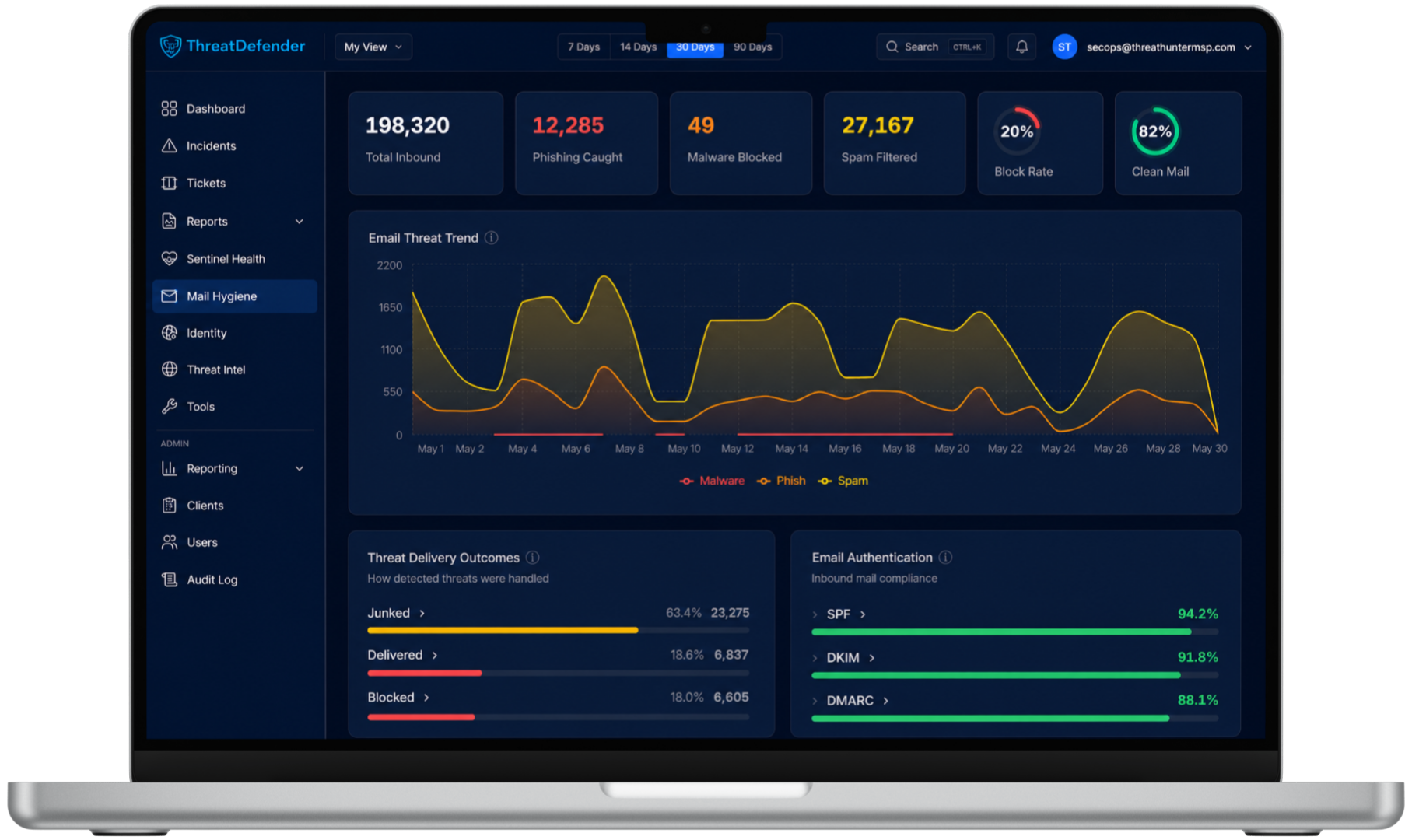
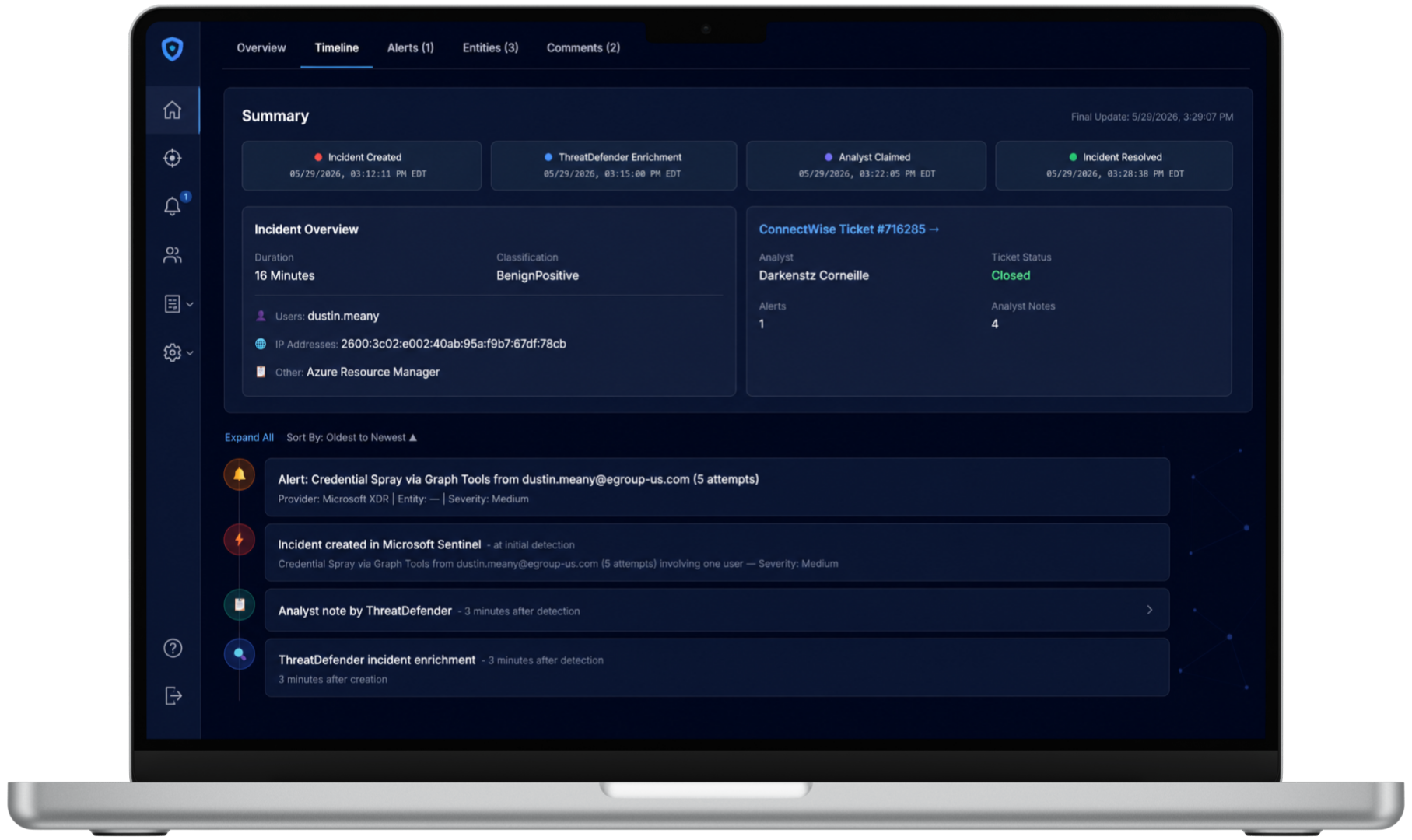
SARA, the Security Analysis & Response Agent in the ThreatDefender Portal, simplifies incident review by turning complex alert data into a clear summary your team can understand and act on. It connects alerts, affected entities, evidence, findings, and next steps, while eGroup analysts validate the insights, make response decisions, and guide resolution.
Understand what happened, what was affected, and which findings matter most.
Review the alerts, entities, indicators, and activity behind each investigation.
Ask SARA follow-up questions and explore specific areas without manually reviewing every alert.
See when an incident occurred, when it was enriched, who claimed it, which actions ran, and what decisions were made.
Already using Microsoft 365 security tools? ThreatDefender MXDR connects the technologies you already own into a unified security operations experience with stronger visibility, faster investigation, and guided response.
SARA helps your team review incidents faster by organizing summaries, supporting evidence, analyst notes, and investigation timelines in one portal, while eGroup analysts validate findings and guide the response.
Microsoft Defender for Endpoint detects, isolates, and reports.
Entra ID & Defender for Identity protect credentials + lateral movement.
Microsoft Defender for Office secures communication and collaboration.
Sentinel + SOAR automate remediation while integrating with third-party firewalls and networks.
Tier 1–3 analysts monitoring your environment around the clock.
We can integrate into your processes or run your security stack end-to-end.
You keep and control your data, with complete insight into every investigation.
Deep Defender and Sentinel expertise, plus compatibility with Palo Alto, Cisco, and more.
Join the organizations that trust eGroup for 24/7 security operations. Here’s what success looks like with ThreatDefender MXDR.
Do you have questions regarding how ThreatDefender MXDR works, on what you need to get started, or how it compares to traditional MDR? You're not alone.
No. ThreatDefender is built to work with what you already own– especially Microsoft 365 E3 or E5. We help you activate the full value of your security tools like Sentinel, Defender, Intune, and Entra ID.
Most MDR providers use third-party tools and require additional licensing. ThreatDefender is Microsoft-native, meaning it uses your existing environment and focuses on configuration, integration, and 24/7 response, with no tool sprawl or duplication.
We triage and investigate every alert using Microsoft Sentinel and SOAR automations — but we don’t just pass alerts along. Our SOC analysts resolve low-risk issues independently and only escalate when necessary.
Over time, we develop a deep understanding of your environment so we can recognize normal vs. abnormal behavior, reduce noise, and respond more efficiently. When escalation is needed, we deliver clear, contextual guidance — acting as a true extension of your team.
SARA is the Security Analysis & Response Agent built into the ThreatDefender Portal. It helps organize incident data, correlate supporting evidence, summarize key findings, document investigation activity, and answer follow-up questions about an incident.
Yes. We monitor indicators across email, identity, and endpoint activity using Microsoft Defender and Entra ID. That includes inbox rule abuse, suspicious logins, and privilege escalations — common in BEC and lateral movement scenarios.
We start with a technical discovery session, connect your Microsoft tenant via Lighthouse, configure Sentinel and Defender, and begin 24/7 monitoring, typically in under 30 days.
ThreatDefender is designed to be cost-effective for lean teams. You don’t need to hire more staff or pay for duplicate software, and many clients spend less than the cost of one full-time SOC analyst.
No. SARA supports investigation and documentation, while eGroup’s security analysts validate findings, determine appropriate actions, and guide or execute the response based on the customer’s service model.
ThreatDefender combines Microsoft-native security operations, AI-assisted investigations, documented accountability, and experienced eGroup analysts without requiring you to build and staff a SOC internally.
We use cookies and similar tracking technologies to help our site function. You can opt out of such sharing anytime by clicking "Opt-out Preferences" at the bottom of the page.
Enter your work email to request access to the eGroup Win Wires repository.
By requesting access, you confirm you are using an approved business email domain. You’ll receive a secure, one-time login link after returning to the Win Wires page.